Merge and Mine Wiki Tools & Planners
Practical checklists that keep your merge board and dig plan under control.
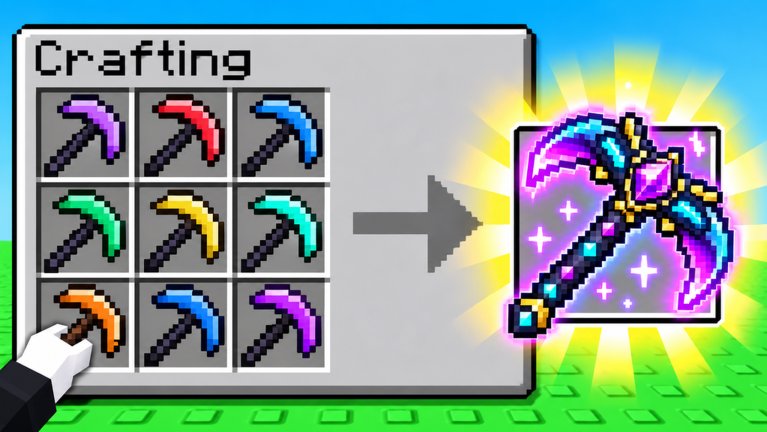
The Tools Hub collects wiki helper tools—practical, text-based planners and checklists for Merge and Mine! These are not executable cheat apps and not Roblox scripts. They are decision aids you can follow while you merge matching tools, dig the shaft, collect ores and gems, and spend coins on upgrades.
Start with the featured planner below, then jump into guides or tier lists when you need strategy depth. After patches, re-read Updates and adjust the checklists rather than assuming old habits still print maximum coins.
Available tools
Merge Planner
A session-ready checklist for board management: when to stop digging and merge, how to protect slot space, how to avoid panic buys, and how to prep a deep push without wrecking your workhorse line. Use it every time the board feels noisy.
How these wiki tools fit the loop
- Plan with the Merge Planner before a long sit-down.
- Execute merges using How to Merge.
- Rank the stage with Pickaxe Tier Strategy (starter vs. workhorse vs. pusher).
- Spend ore value wisely via Ore Priority.
- Push or reset with Dig Deeper and Rebirth Guide when the time is right.
- Claim freebies from Codes before a planned farm block.
Who should use this hub
- New players who keep filling the board without a merge order — pair with Getting Started.
- Mid-game farmers whose digs are fine but coin tempo feels soft — tidy the board, then re-check ore priorities.
- Deep pushers who burn surplus on clutter — run the planner’s pre-push section first.
- Groups on 8-player servers who want a shared pre-flight list — see also Multiplayer Tips.
What this hub will not do
- Invent named pickaxe tiers, damage numbers, or drop rates
- Replace reading the live shop and UI after a balance patch
- Provide scripts, exploits, or automation (those topics, if covered elsewhere, stay separate from these planners)
- Promise that one checklist wins every economy change
Suggested weekly rhythm
| Day focus | Tool / page |
|---|---|
| Learn or relearn merges | Merge Planner + How to Merge |
| Coin farm efficiency | Planner + Ore Priority |
| Progression rank check | Tier List Hub |
| Social / rewards session | Players Hub + Codes |
| Patch day | Updates then re-run the planner on a short test dig |
Related hubs
- Guides Hub — full walkthroughs
- Tier List Hub — strategy ranks
- Players Hub — multiplayer etiquette
- Codes — promo redemption
- Updates — patch tracking
Open the Merge Planner next and keep it pinned while you play. Clean boards beat fancy intentions.
Frequently Asked Questions
Quick answers to the most common Merge and Mine questions.
Are these downloadable mods or scripts?
No. Wiki tools here are text checklists and planning aids. They do not modify the Roblox client.
Which tool should I open first?
The Merge Planner. Most tempo losses start as board clutter or panic purchases.
Do the planners replace the tier lists?
No. Planners help you execute; tier lists help you choose stage priorities. Use both.
Will you add calculators later?
Only if we can base them on public, stable rules. Until then, checklists stay safer than invented number sheets.