Codes
Active Merge and Mine Roblox codes with rewards, expiry notes, and clear redemption steps so you claim free gifts before they expire.
View all CodesCodes, pickaxe tiers, and merge guides for Merge and Mine.
Unofficial Merge and Mine Roblox wiki for codes, pickaxe tier lists, merge tips, and rebirth guides so you dig deeper and earn coins faster.
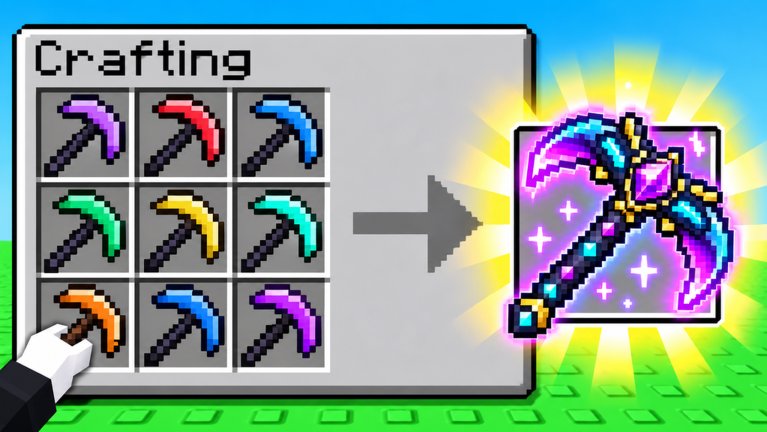
Merge and Mine is a free Roblox incremental simulator from Very Fun Repeatable Games. Merge matching tools into stronger pickaxes, drop them down an endless mine shaft, smash blocks, break ores, and earn coins to unlock better gear and dig even deeper. Start with the Getting Started guide, redeem any live codes, compare pickaxes on the tier list, and plan your first reset with the rebirth guide. Whether you play on PC, mobile, console, or tablet, this wiki covers the full merge-and-mine loop from first pickaxe to deep-shaft farming.
Active Merge and Mine Roblox codes with rewards, expiry notes, and clear redemption steps so you claim free gifts before they expire.
View all CodesMerge and Mine! guides hub covering merge tools, deeper mining, coin farming, pickaxe upgrades, and why casual rebirth can wipe progress.
View all GuidesCommunity strategy tiers for Merge and Mine! pickaxe progression and ore priorities—labeled guidance that updates as patches land.
View all Tier ListMultiplayer tips for Merge and Mine! 8-player servers: etiquette, finding friends, favorites/group rewards, and smoother sessions.
View all PlayersMerge and Mine updates hub: track Roblox patches, group posts, and wiki changelogs so you never miss progression or economy changes.
View all UpdatesMerge and Mine scripts overview: feature categories, evaluation checklist, and safety notes before you risk an executor on Roblox.
View all ScriptsWiki helper tools for Merge and Mine!: merge planning checklists, board-management tips, and quick links into guides and tier lists.
View all ToolsOfficial Merge and Mine Roblox links, creator credits, and trusted wiki hubs for codes, guides, tier lists, scripts, and live updates.
View all LinksFollow the Getting Started guide to merge tools, drop pickaxes down the shaft, break ores, and spend coins on upgrades without wasting your first session.
Open the codes page, redeem working rewards in-game, and skip expired entries so you bank free coins and boosts before your next dig.
Use the pickaxe tier list to decide which merges are worth keeping, which tools to sell, and how to push deeper layers faster.
Read How to Merge for inventory habits, when to combine matching tools, and how to avoid clogging your board before a big dig.
Follow the rebirth guide before you reset for permanent gains, then check updates so new depths, tools, and balance changes do not catch you off guard.
Quick answers to the most common Merge and Mine questions.
Read the Getting Started guide, redeem any live codes, then compare tools on the pickaxe tier list.
Combine matching tools to create stronger pickaxes, then drop them down the mine shaft for more damage, deeper digs, and better ores. See How to Merge for a full walkthrough.
Rebirth when progress slows and the permanent boosts outweigh your current coin stack. The rebirth guide covers timing, goals, and what carries over.
No. This is an unofficial fan wiki for Merge and Mine on Roblox. Always confirm codes and patch notes through the official experience page and Very Fun Repeatable Games channels.
This wiki supports: English, Français, Deutsch, Español, Português (BR). Configure locales in site.meta.json and run npm run generate:i18n.
From first merges to endgame rebirths, our guides cover every Merge and Mine mechanic. Start with the beginner guide or jump into codes and the tier list.
Start with the beginner guide